A Background Set is a group of images made to go behind a terminal. Batty 1.4.0 browses these sets in its Background Images picker and uses any image as a terminal background. Anyone can publish a set of their own: it takes a folder of images, one small JSON file and a web host.
Click a thumbnail for the full-size image.
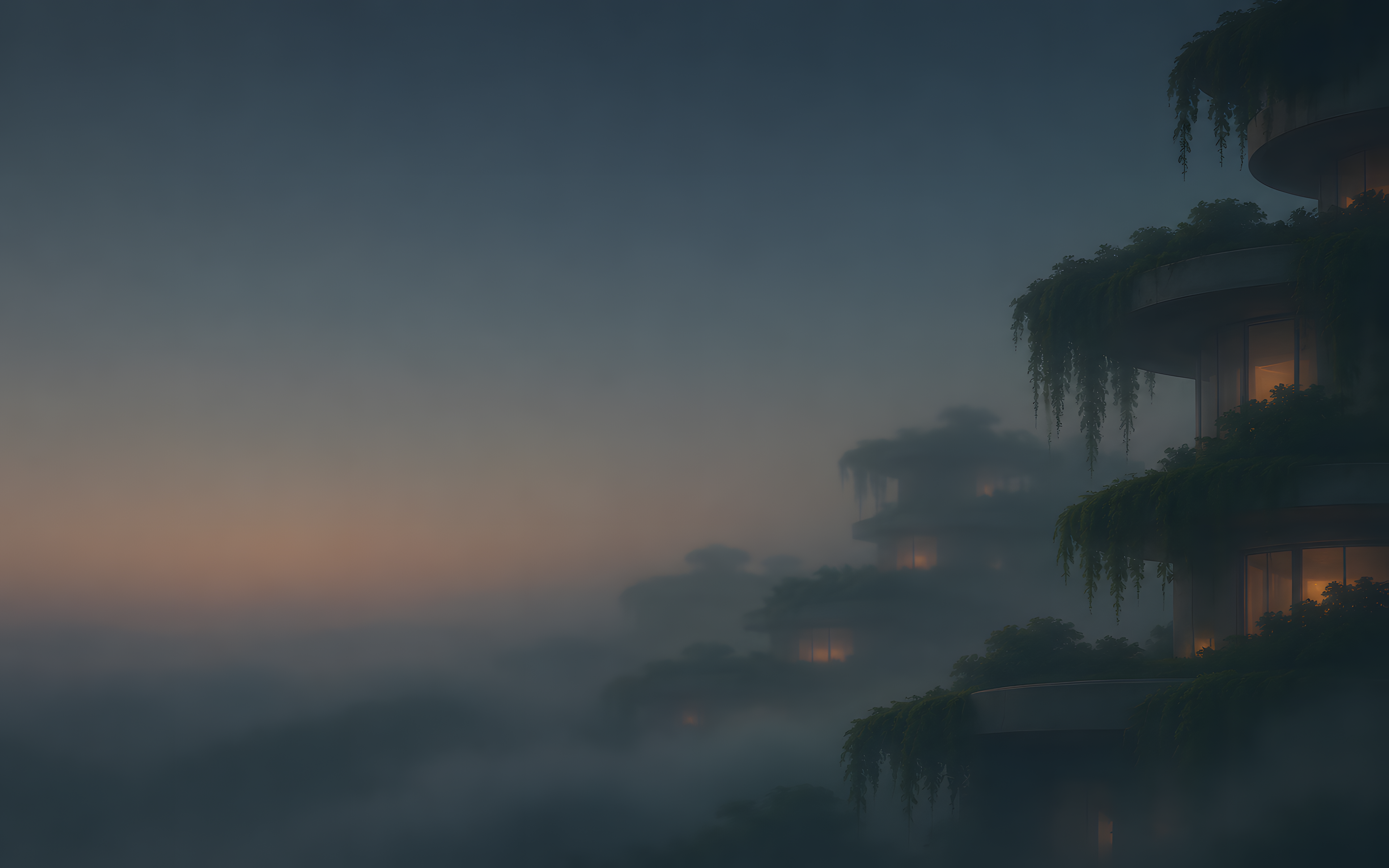
Future Cities
-

Skyline in the Fog -

Canal After Rain -

Sky Gardens at Dawn -

Maglev at Dusk -

Desert Dome -

Harbor Lights -

Floating District -

Tower in the Clouds







Cool Vehicles
-

Café Racer in the Garage -

Expedition Truck on the Salt Flat -

Endurance Racer at Night -

Pickup in the Fog -

Electric Bike on the Roof -

Roadster on the Coast at Dusk -

Rally Car in the Dust -

Semi Truck on the Night Highway








Beautiful Landscapes
-

Mountain Lake at Blue Hour -

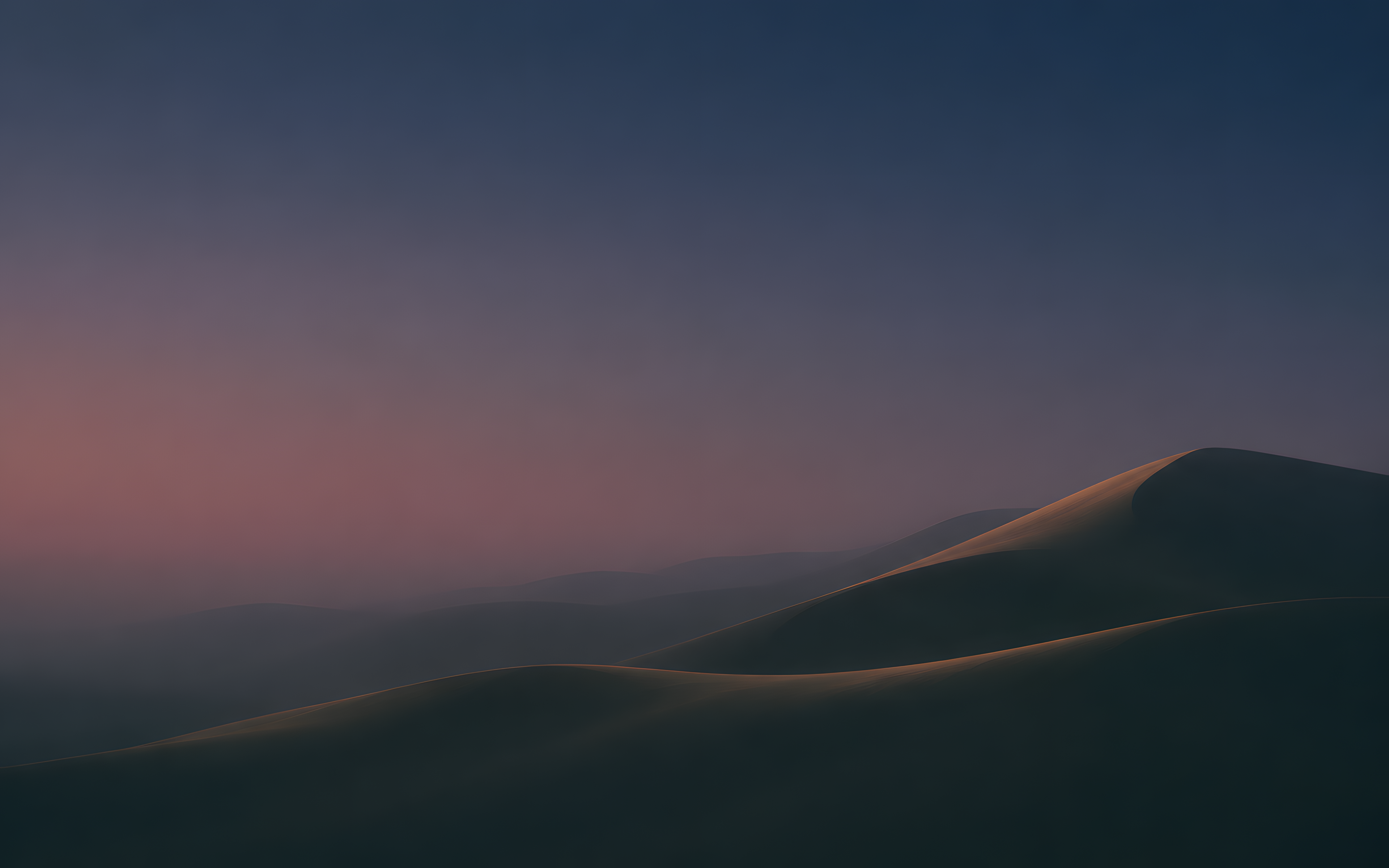
Dunes at Dusk -
Misty Forest Valley -

Aurora over the Tundra -
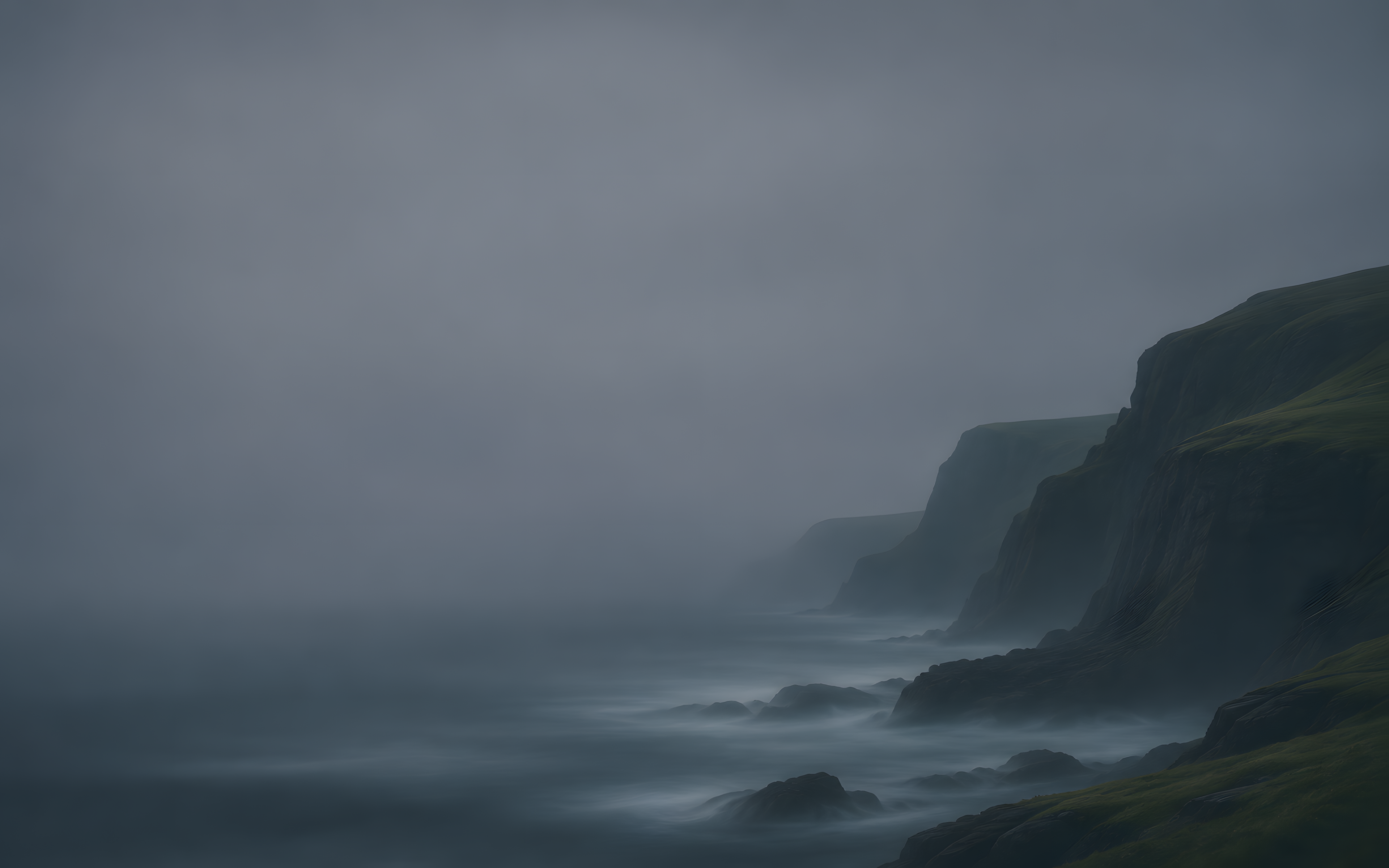
Sea Cliffs Under Cloud -

Glacier Lagoon at Twilight -

Rolling Hills at Night -
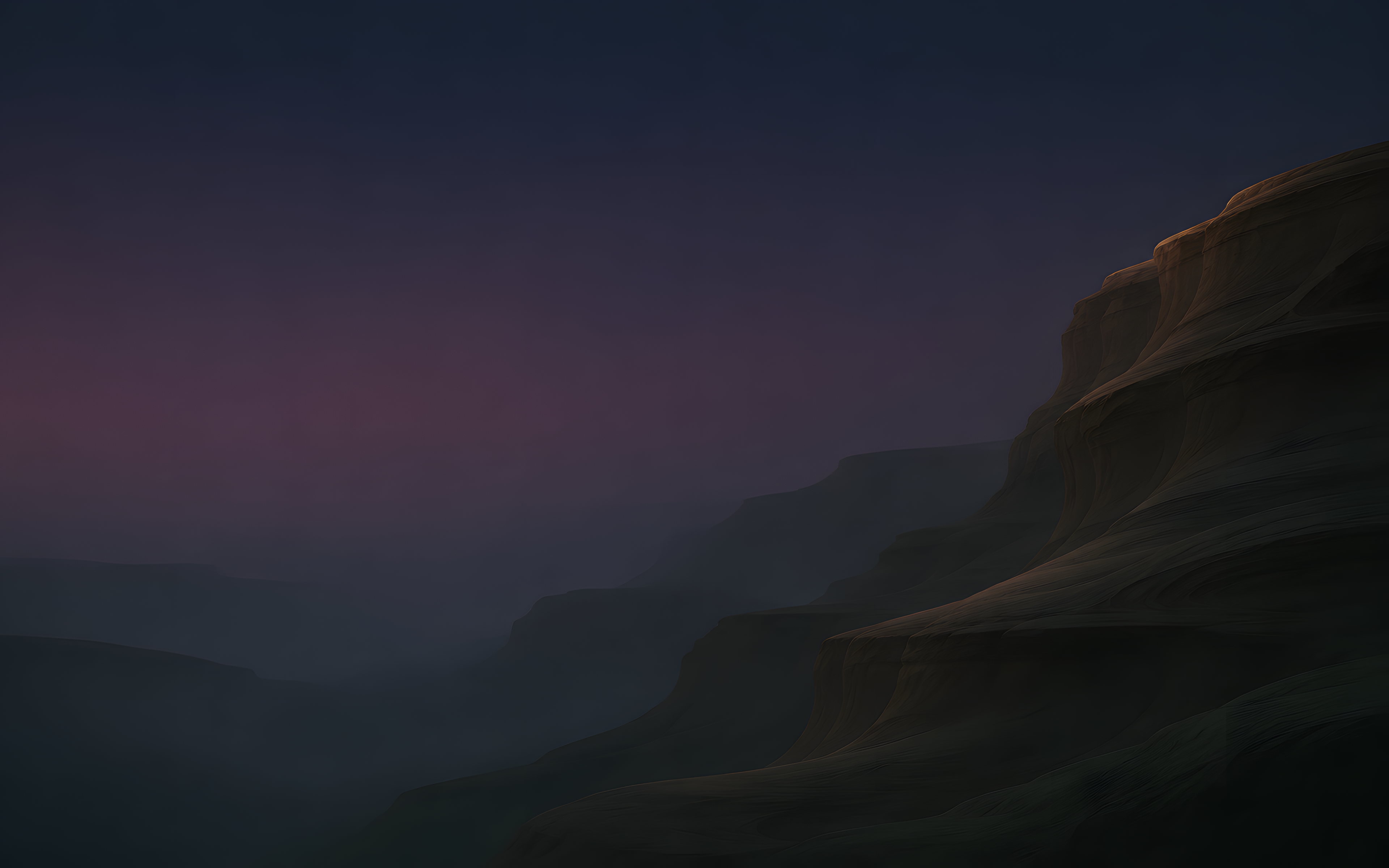
Canyon at Dusk





Deep Space
-

Cruiser Rim Light -

Ringed Planet Limb -

Emission Nebula -

Orbit at Sunrise -

Engine Trail -

Ring Station -

Fleet Across the Dust Lane -

Distant Galaxy








San Francisco
-
Lands End at Blue Hour -
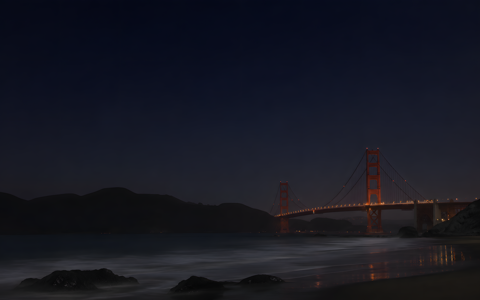
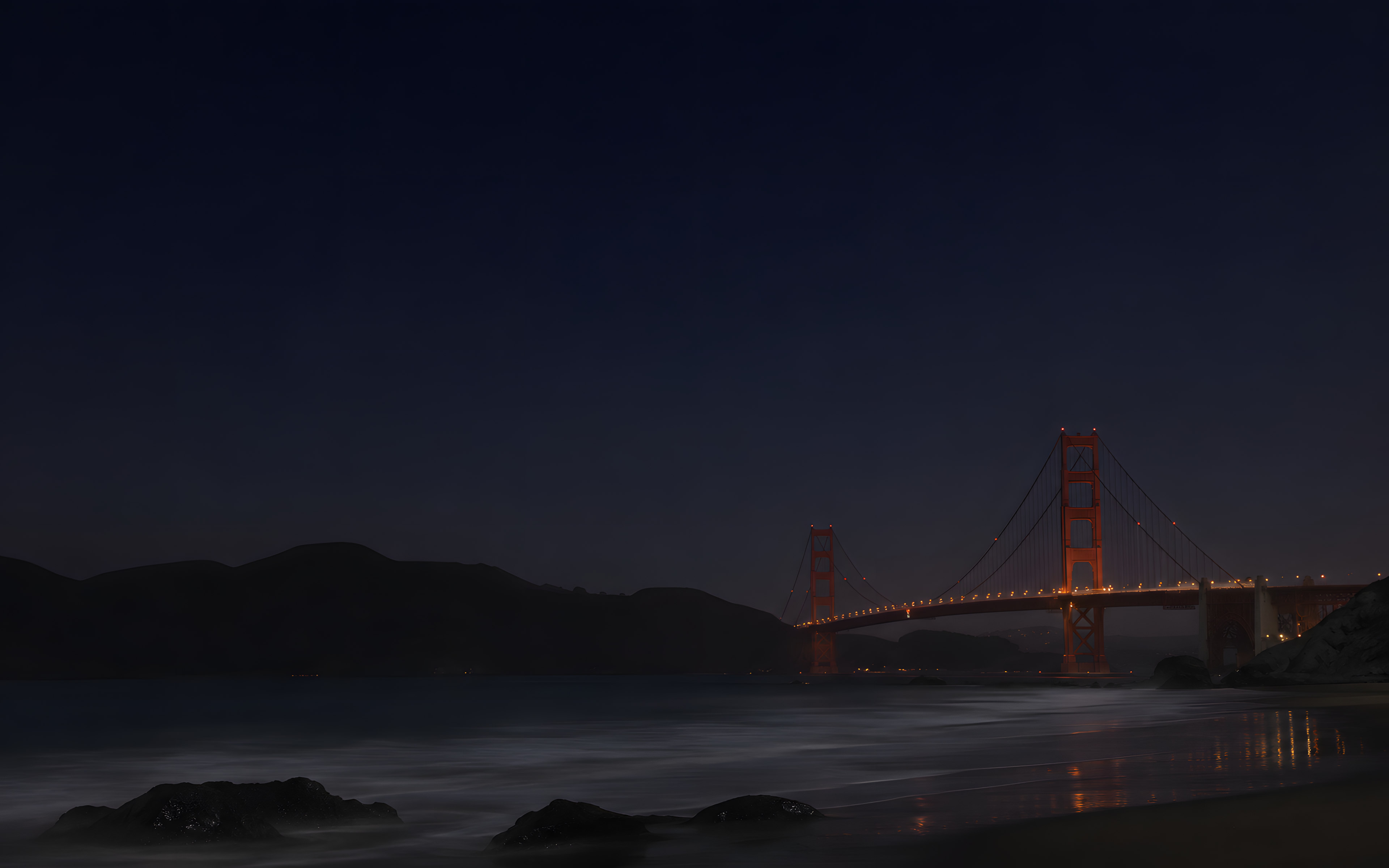
Golden Gate from Baker Beach -

Bay Bridge from Treasure Island -
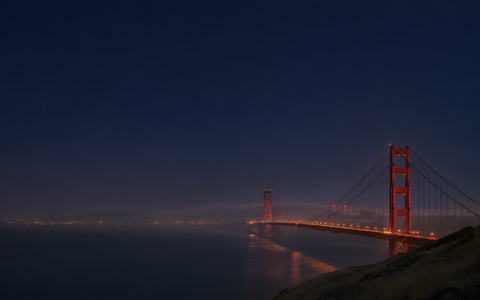
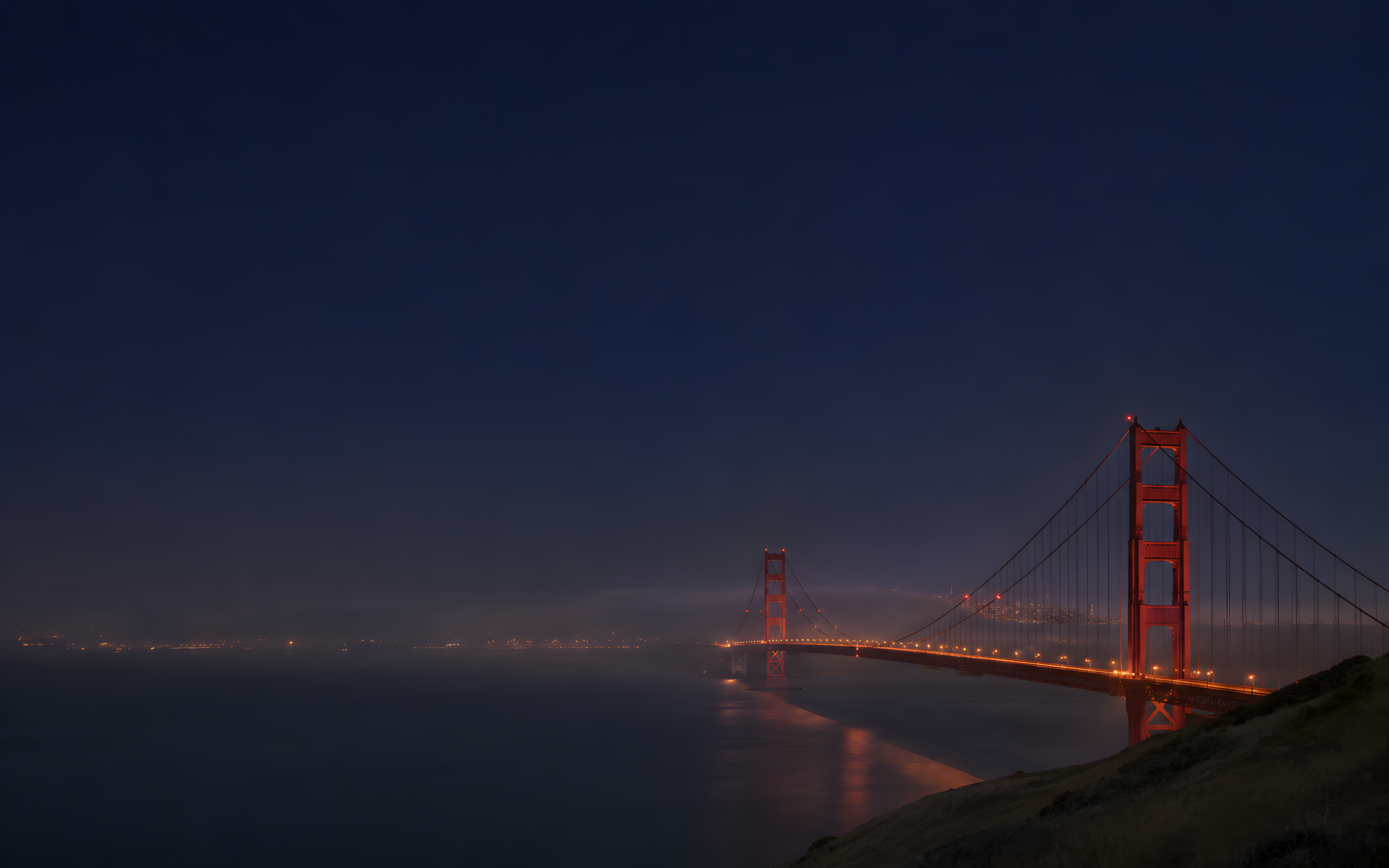
Golden Gate from Battery Spencer -
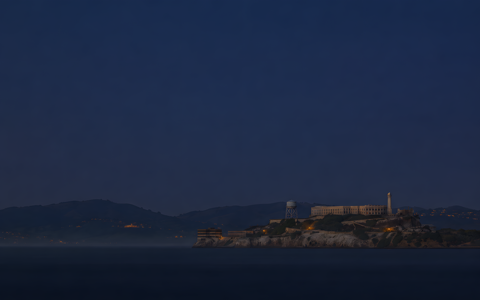
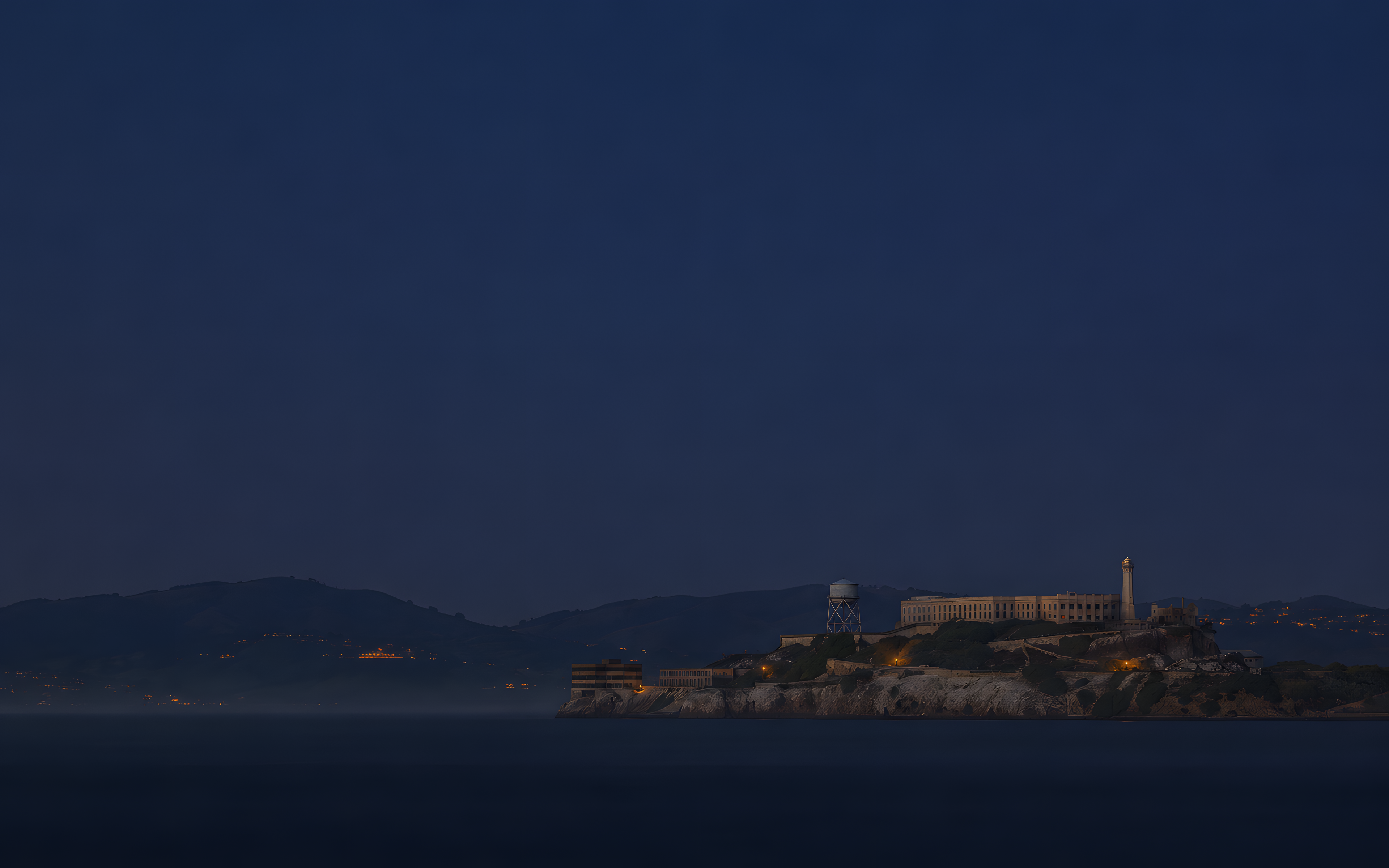
Alcatraz at Blue Hour -
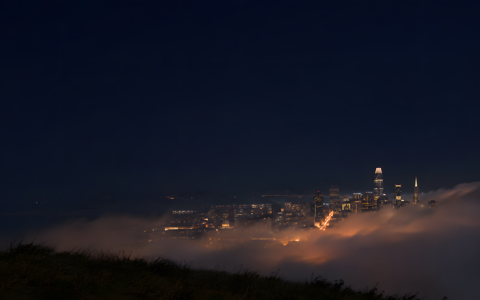
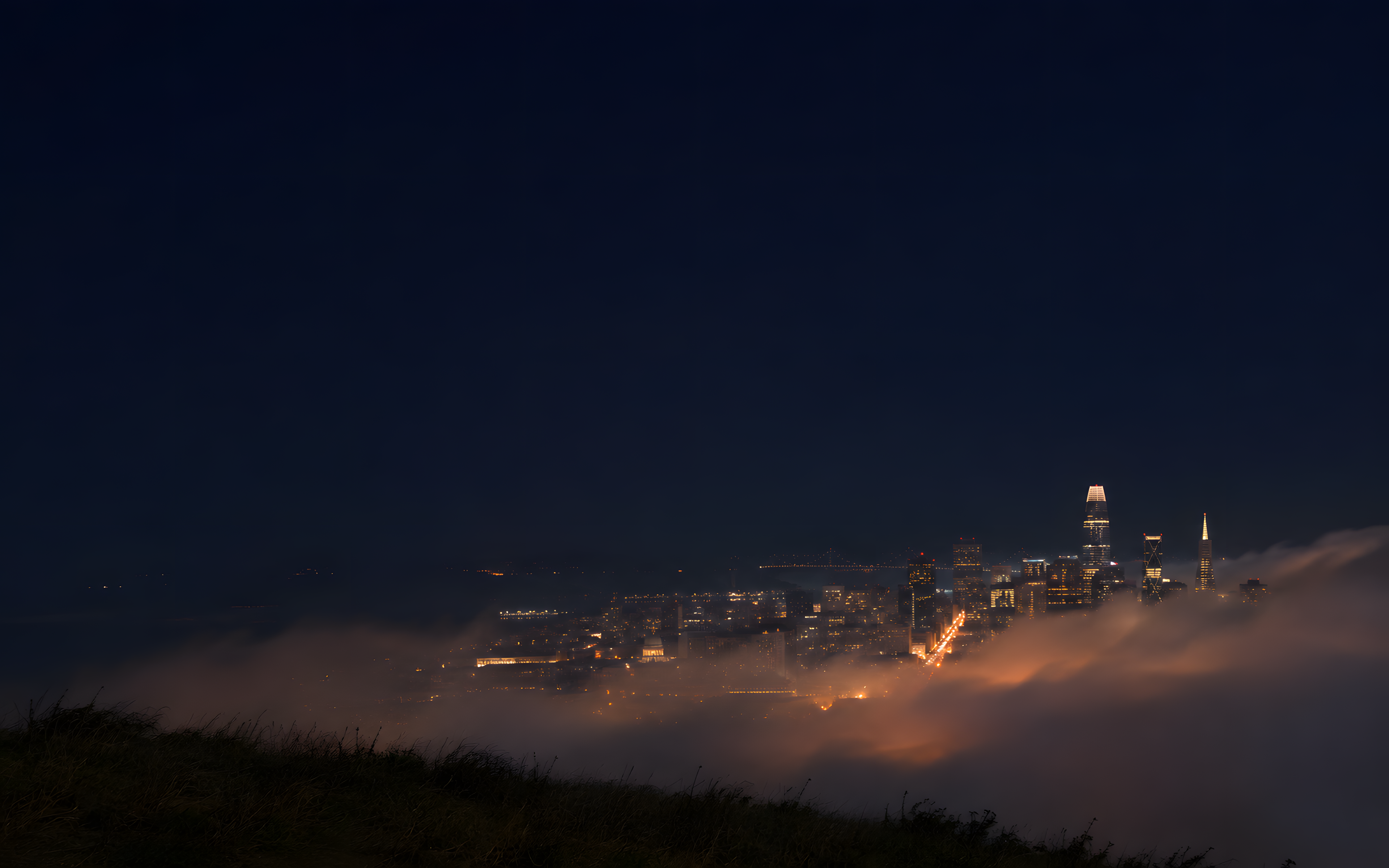
Fog over Twin Peaks -
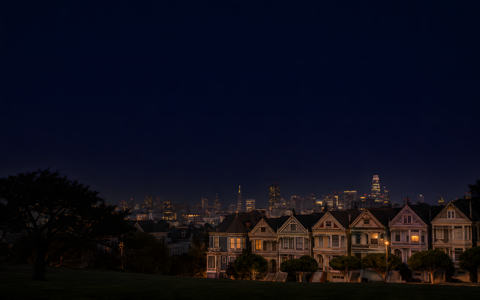
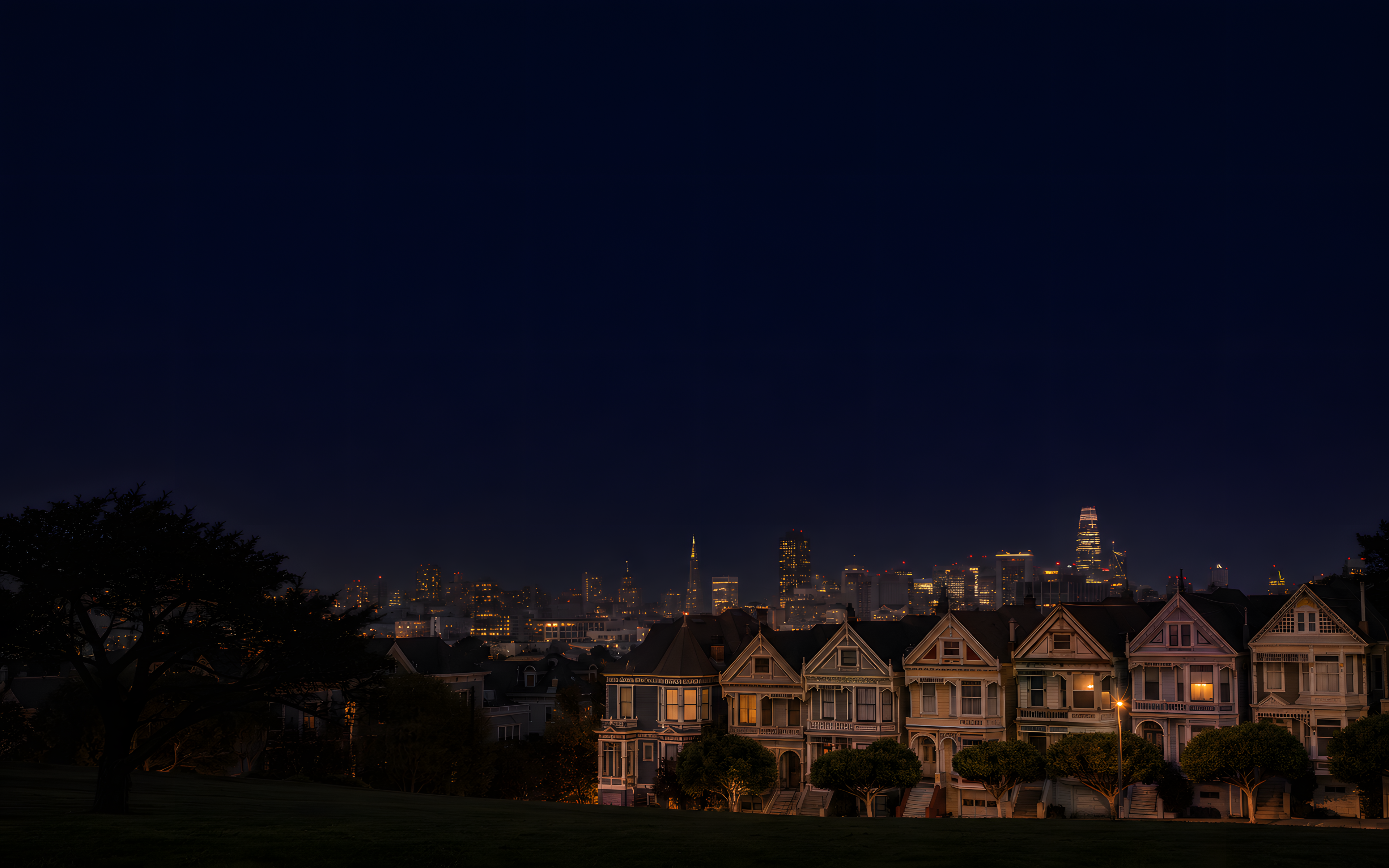
Painted Ladies at Night -

Transamerica Pyramid in Fog



Circuit Boards
-

Crystal and Capacitors -

ESP32 Shield Can -

Solder Joints -

Unmarked Processor Corner -

GPIO Header Pins -

PCB Antenna Trace -

USB Connector -

Ribbon Cable








World Cities
-

Shanghai Pudong in Haze -

Seoul and Namsan Tower -

Singapore Marina Bay -

New York from the River -
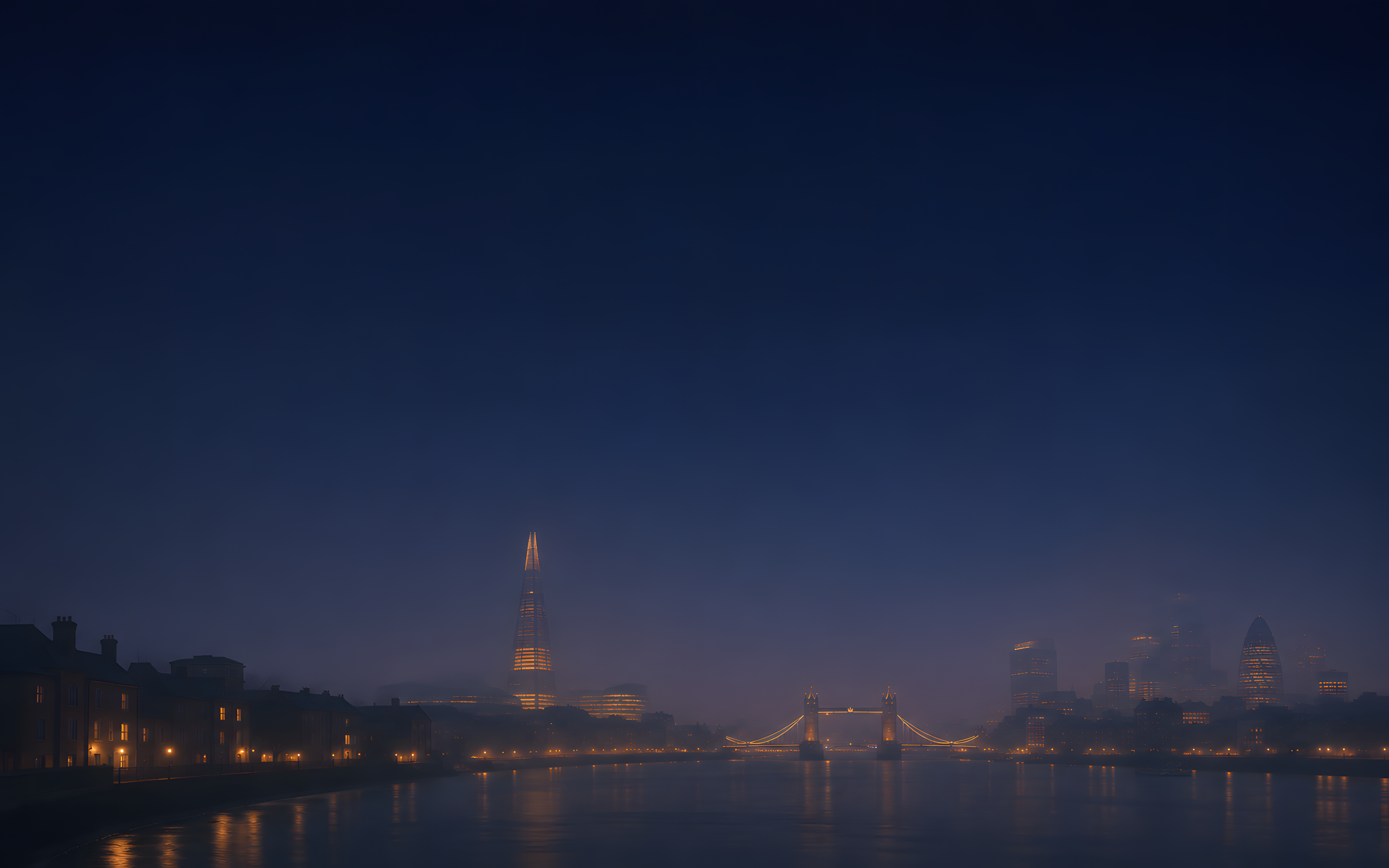
London and the Thames -
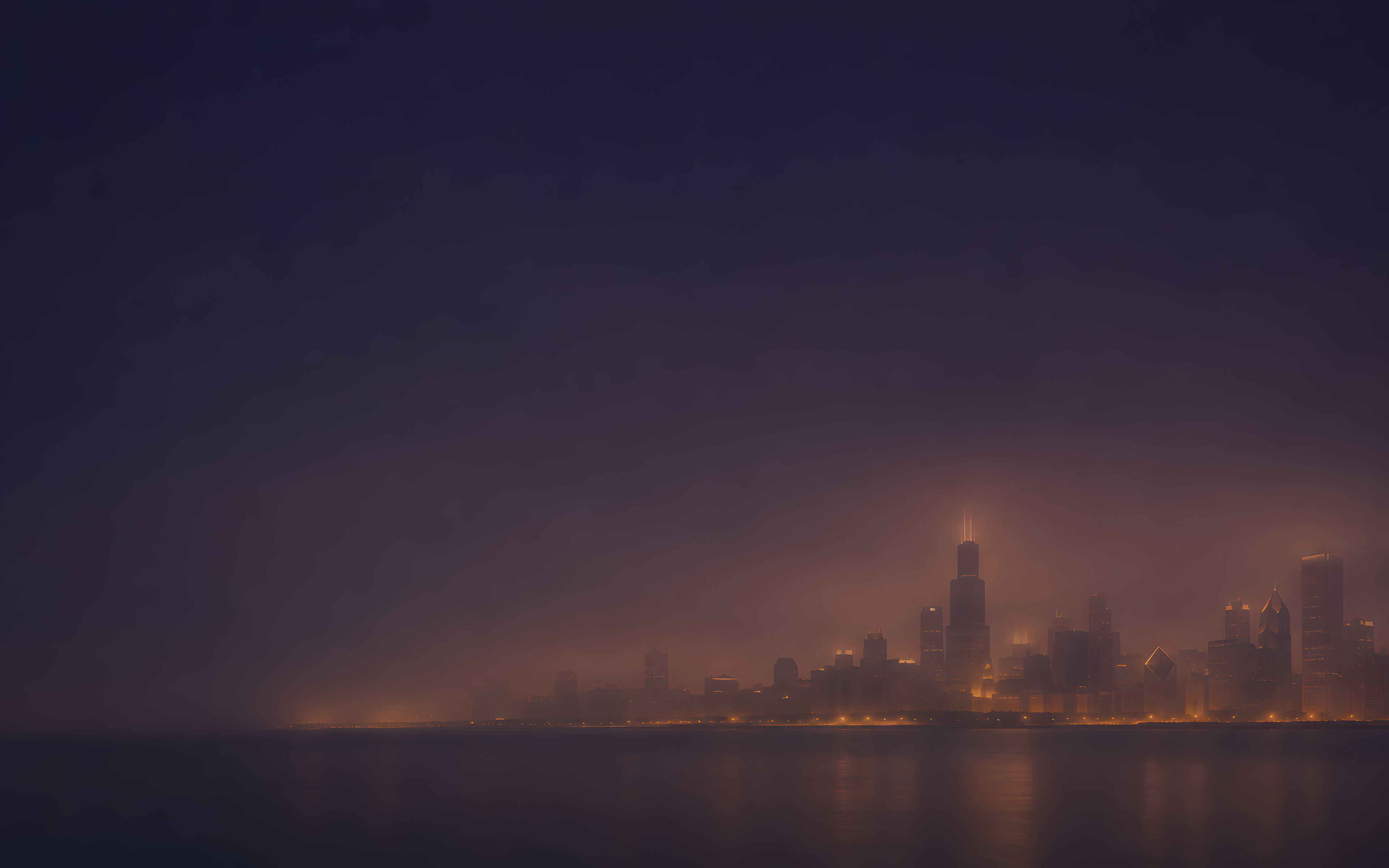
Chicago from the Lake -

Tokyo at Blue Hour -

Sydney Harbour at Night






Use them in Batty
Choose Pane → Background Images… (or Choose… beside a background image) and switch from My Images to Background Sets. Browsing loads only the thumbnails, and Batty asks for nothing until you first open Background Sets.
To use one, open Settings → Appearance → Background and click Choose… (or Choose… for a Session, a Pane or a Project), switch to Background Sets and click the image. The full-size image downloads once, with its progress shown on the image, and your current background stays until it finishes. After that it works offline. A picture later dropped from a set keeps working wherever you use it. See Privacy for what Batty fetches.
Make your own set
What you need
A folder of images, a catalog.json that lists them, and any
https web host that serves static files: your own site, GitHub Pages,
an S3 bucket and so on.
The catalog format
- Top level
sets.- Set
nameandimages.- Image
title,thumbnailandfull, all required: a title of up to 100 characters for the caption, and the paths or URLs of its two files.
- A
thumbnailorfullmay be relative, resolved against the catalog's own URL (harbor-nights/01-pier-fog.pngnext to…/backgrounds/catalog.json), or absolute. Either way it must end uphttps. Images may be on another host. - Images are PNG or JPEG, and the real type must match the extension
(
.png,.jpg,.jpeg). - Each image's
fullmust be unique in the catalog: Batty knows an image by its full-size URL. - Unknown fields are ignored, so leave out anything Batty doesn't need.
| Catalog file | 1 MB |
|---|---|
| Sets | 50 per catalog |
| Images | 100 per set, 1,000 per catalog |
| Text | set names and titles 100 characters |
| Thumbnail | 2 MB, 1024 px on its longest side |
| Full size | 50 MB, 8192 px on its longest side |
An example
One set with two images, ready to copy and edit:
{
  "sets": [
    {
      "name": "Harbor Nights",
      "images": [
        { "title": "Pier in the Fog", "thumbnail": "harbor-nights/01-pier-fog-thumb.png", "full": "harbor-nights/01-pier-fog.png" },
        { "title": "Lanterns on the Water", "thumbnail": "harbor-nights/02-lanterns-thumb.jpg", "full": "harbor-nights/02-lanterns.jpg" }
      ]
    }
  ]
}
Download the example catalog · Read the built-in catalog
Designing images for behind terminal text
- 16:10 landscape.
- Dark overall, with only small, soft highlights.
- Low contrast and muted, in one or two hues.
- Keep the upper-left two-thirds calm, because that's where text sits. Put the subject toward the right and the bottom third.
- Avoid fine, busy detail.
- No text, logos or watermarks.
Check each image at Batty's default 15% Image Opacity over a dark theme.
Sizing
Use 16:10, for example 2560 × 1600 or 3840 × 2400. Batty keeps its own copy scaled to at most 4096 pixels on the longest side, so anything larger only makes the download slower.
Thumbnails with sips
Make each thumbnail from its full image with sips, built into macOS, never separately:
sips -z 300 480 full.png --out full-thumb.png                    # a 16:10 image
sips -Z 480 full.png --out full-thumb.png                        # keep any other aspect ratio
sips -s format jpeg -z 300 480 full.png --out full-thumb.jpg     # a JPEG thumbnail
Check your catalog
From a checkout of Batty, python3 tools/check-backgrounds.py catalog.json
checks the format and every image file beside the catalog: that it exists, its real
type matches its extension, and it's within the limits. It skips images on other hosts
(check-backgrounds.py).
Hosting
- Serve everything over
httpswith a valid certificate. Batty offers no override. - At most 5 redirects, all
https. - Serve
catalog.jsonwith anETagorLast-Modifiedheader, so Batty's regular checks are cheap. - CORS headers aren't needed. Batty isn't a browser.
- Keep file paths stable, and ship a changed picture under a new file name.
Add it in Batty
Open Settings → Appearance → Background Catalogs, paste your catalog's URL and click Add. Batty fetches it once to validate it and shows any problem beside the field. Then its sets appear in Background Sets. Batty checks it at launch and every 24 hours, and Check Now checks it right away. It also checks when you open Background Sets, at most every 5 minutes, and Refresh in Background Sets checks every catalog right away. You can add up to 20 catalogs.
Share your set
Only share images you have the right to share, and say how others may use them: name a license, for example CC BY 4.0, in the License field of the issue. Then open a “Background set” issue on GitHub with your catalog's URL.